This problem affects any iPhone, iPad, and iPod Touch running version 4.0.0 and 4.0.1 of iOS (formerly iPhone OS). On my iPhone 4, I have experienced this email problem when I read a message from my Inbox and Archive it.
I use Gmail as my mail provider, so when I’m reading messages on my iPhone, to archive a message I actually move the message from Inbox to “All Mail.”
[continue reading…]
Sergey, from Ukraine wrote in to the site to point Nginx for Windows users to his 3 add-on programs:
- Add-on to install Nginx as a service: NG_SRVINST
- Utility to convert from an Apache virtual host to an Nginx server: NG_SITE
- Program to manage and control the Nginx service. It automatically restarts if Nginx freezes. Stop, start, and view status in system tray: NG_TRAY
Please check these programs out, and leave comments about what you think. The above pages are in Russian, but have English instructions. Note that I have not tried these programs myself, but and passing these links on in the hopes that if will help other Nginx for Windows users.
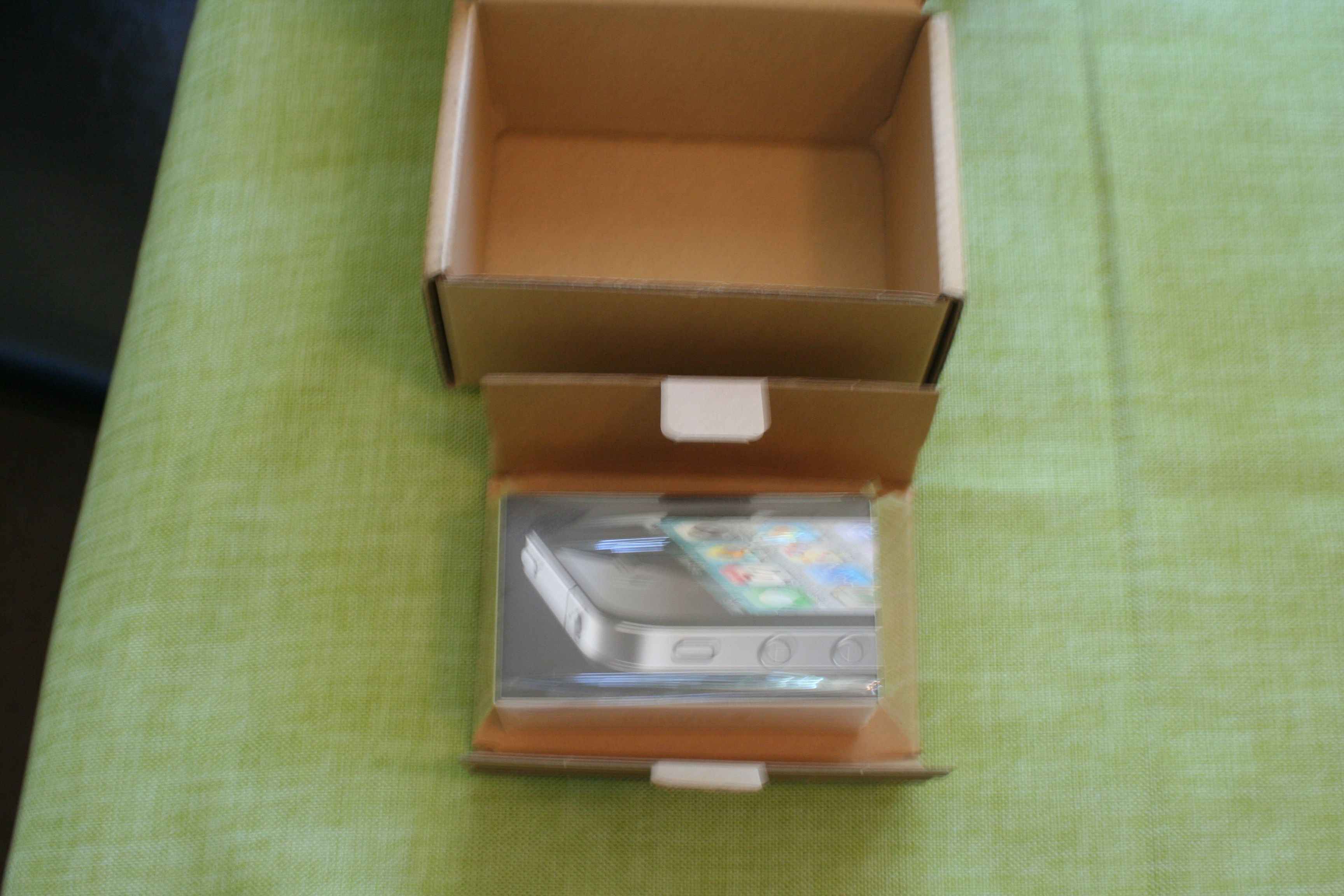
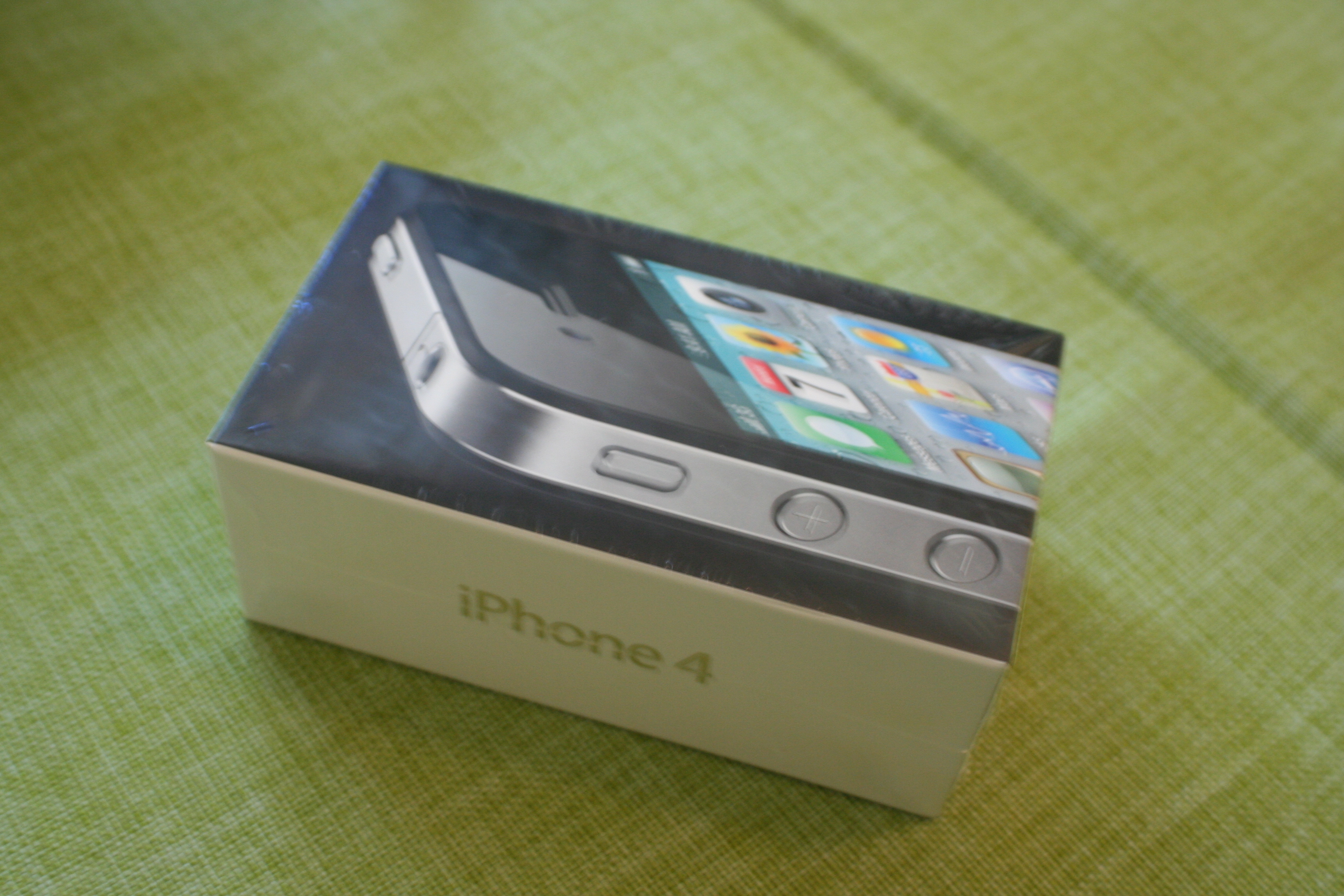
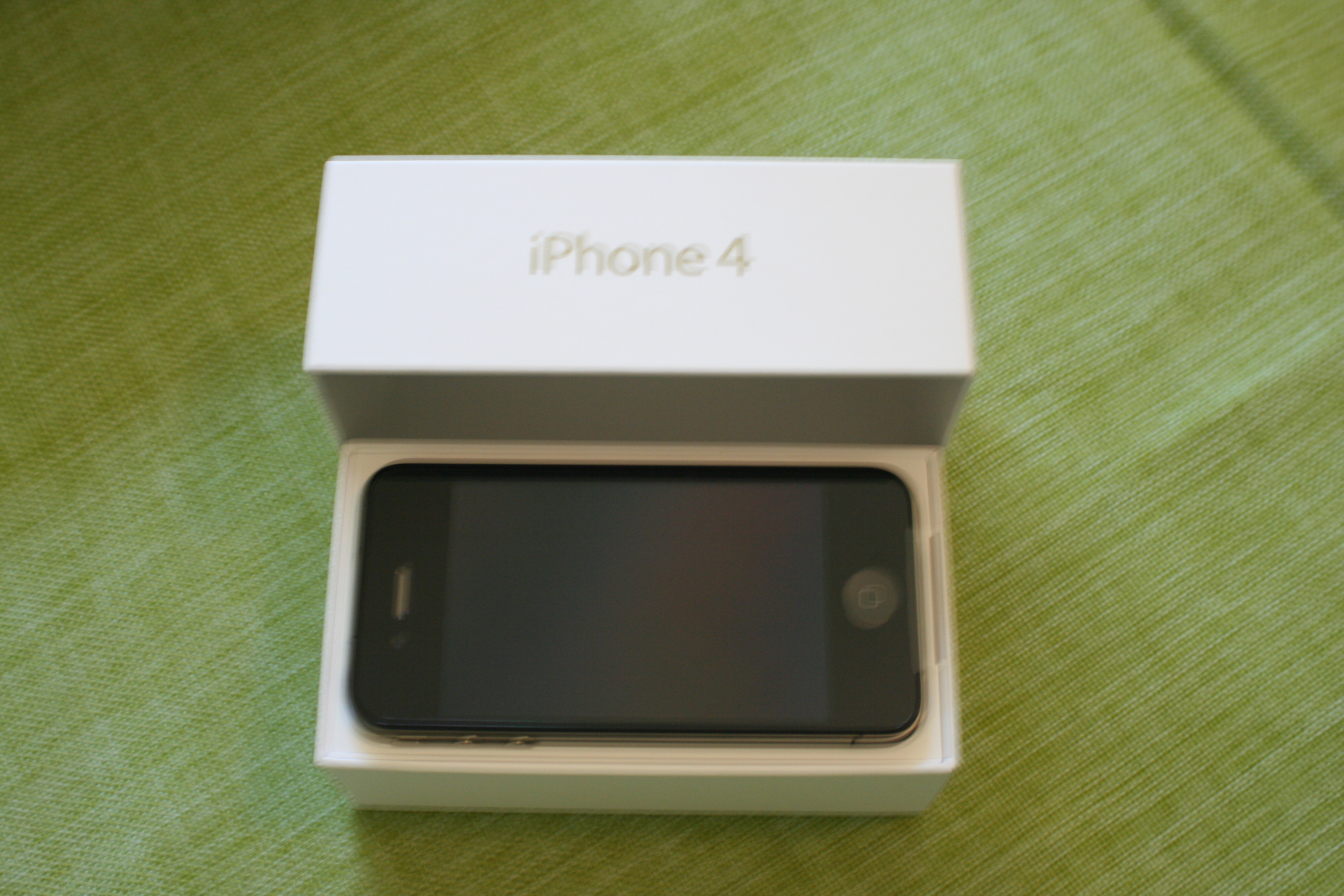
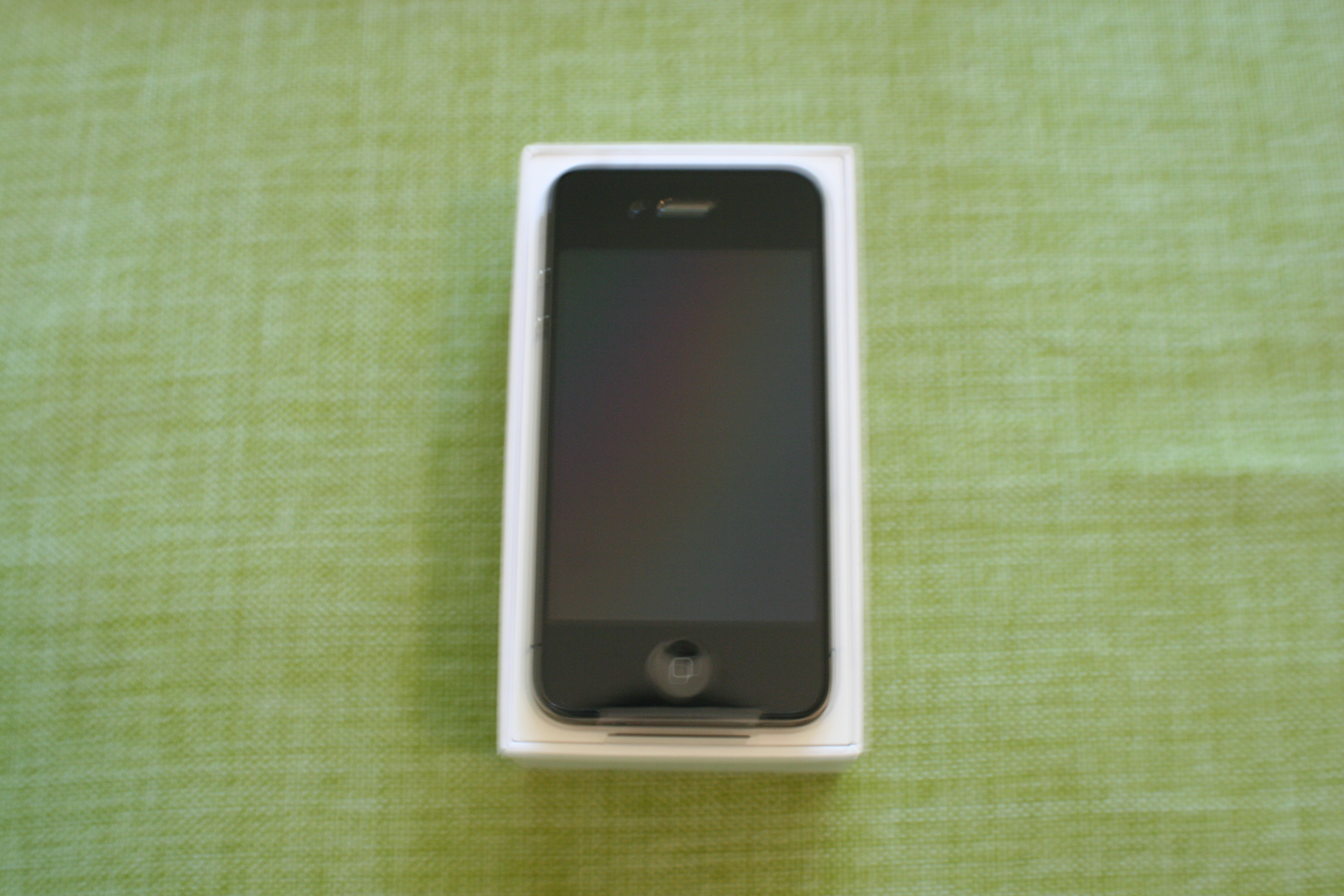
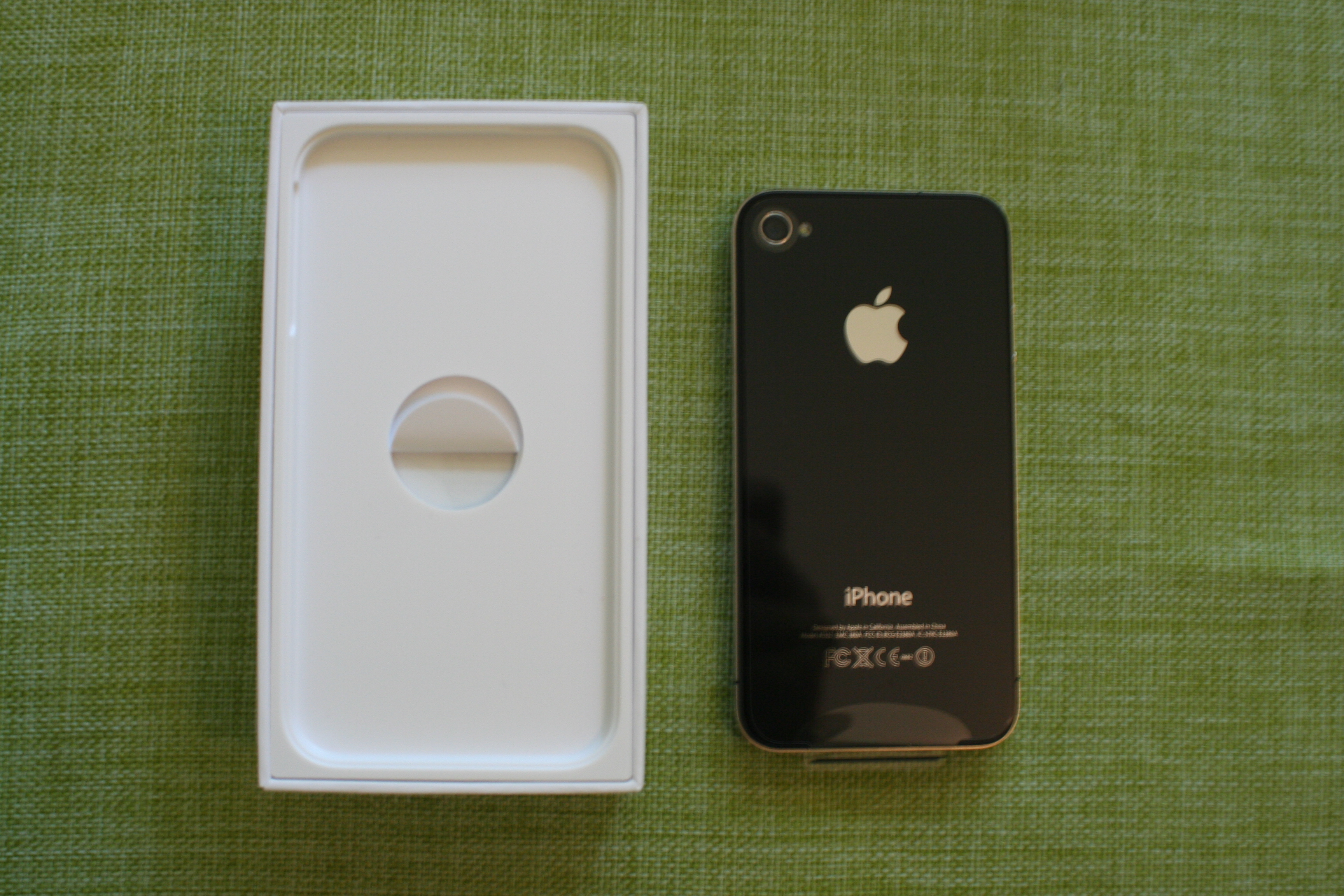
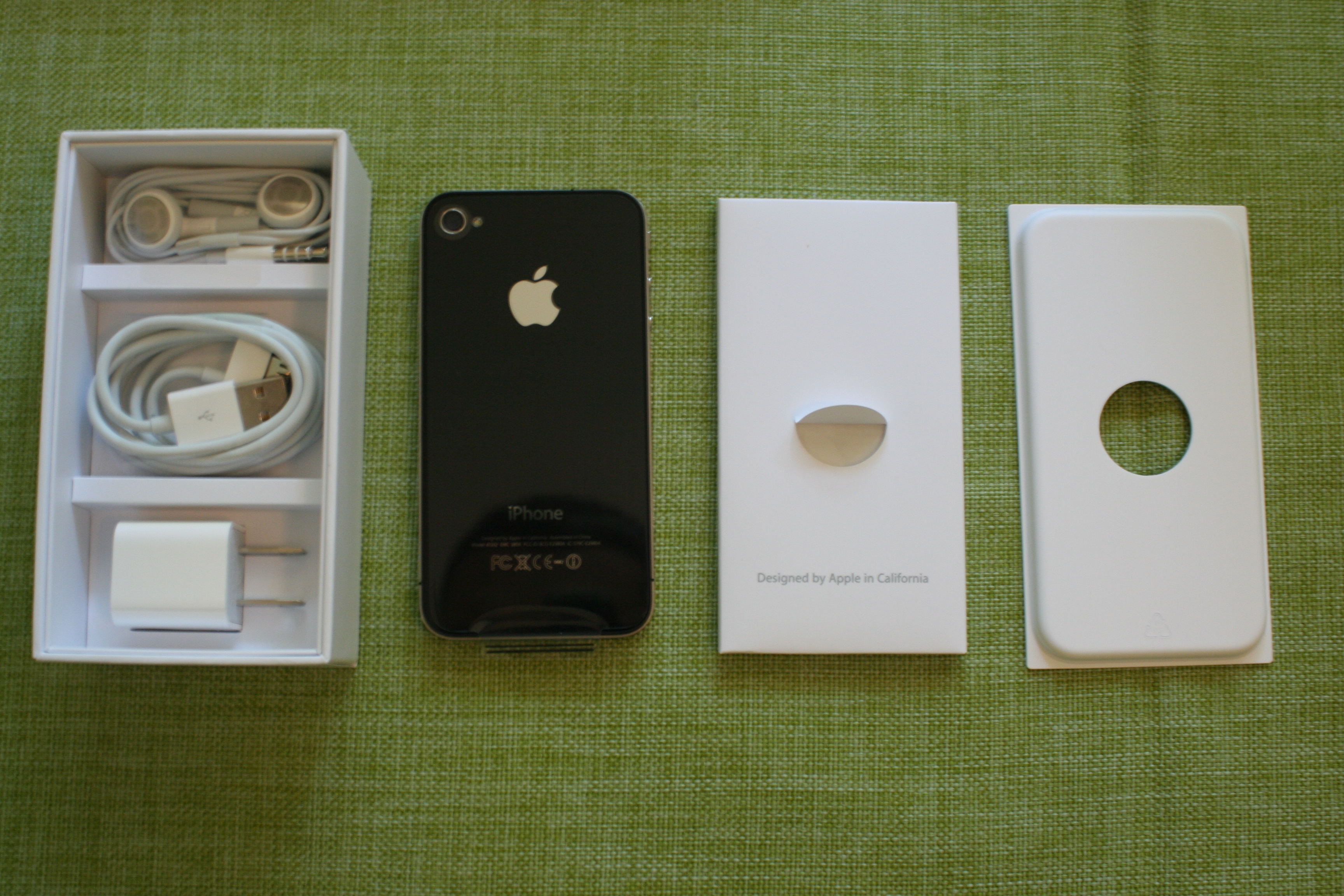
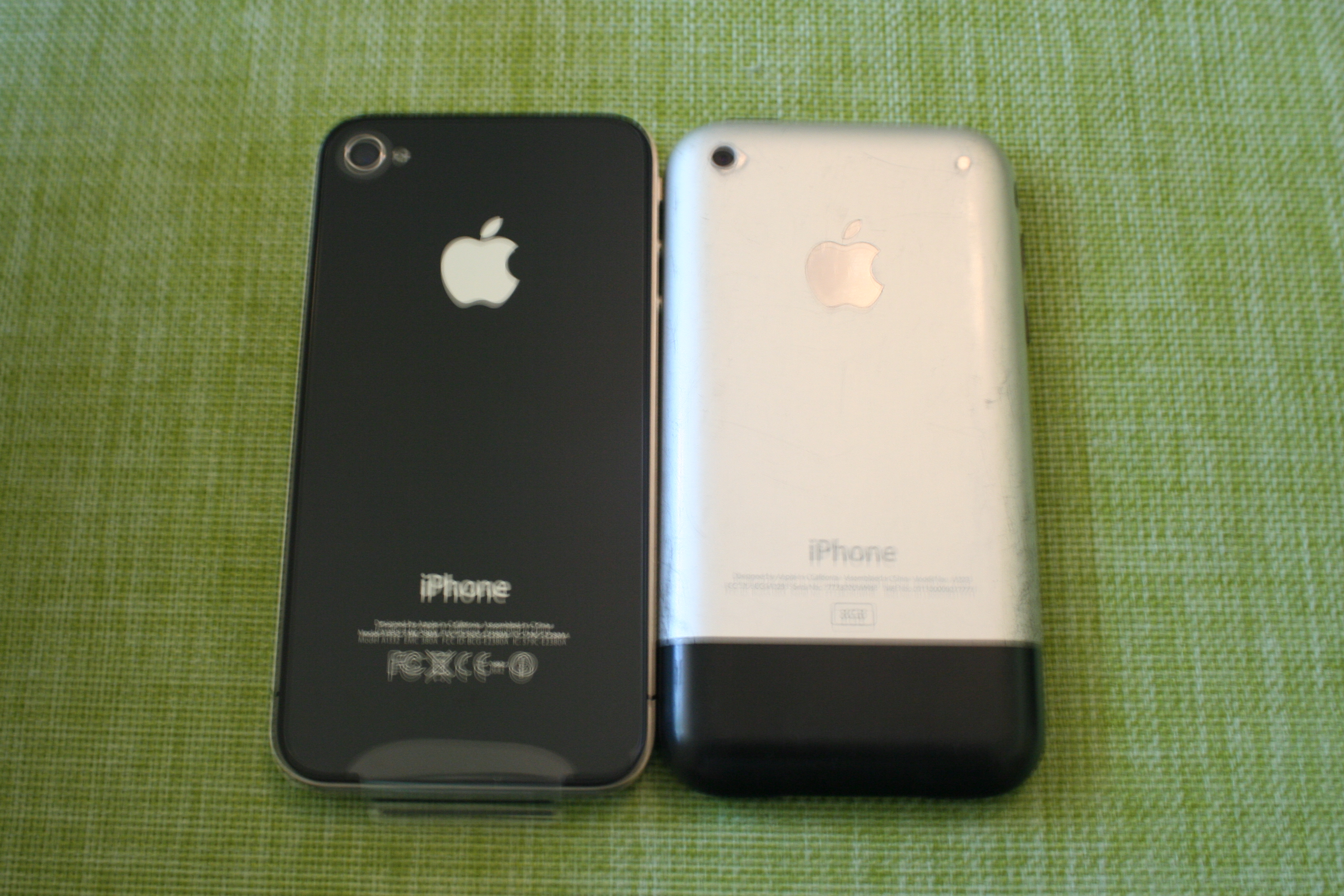
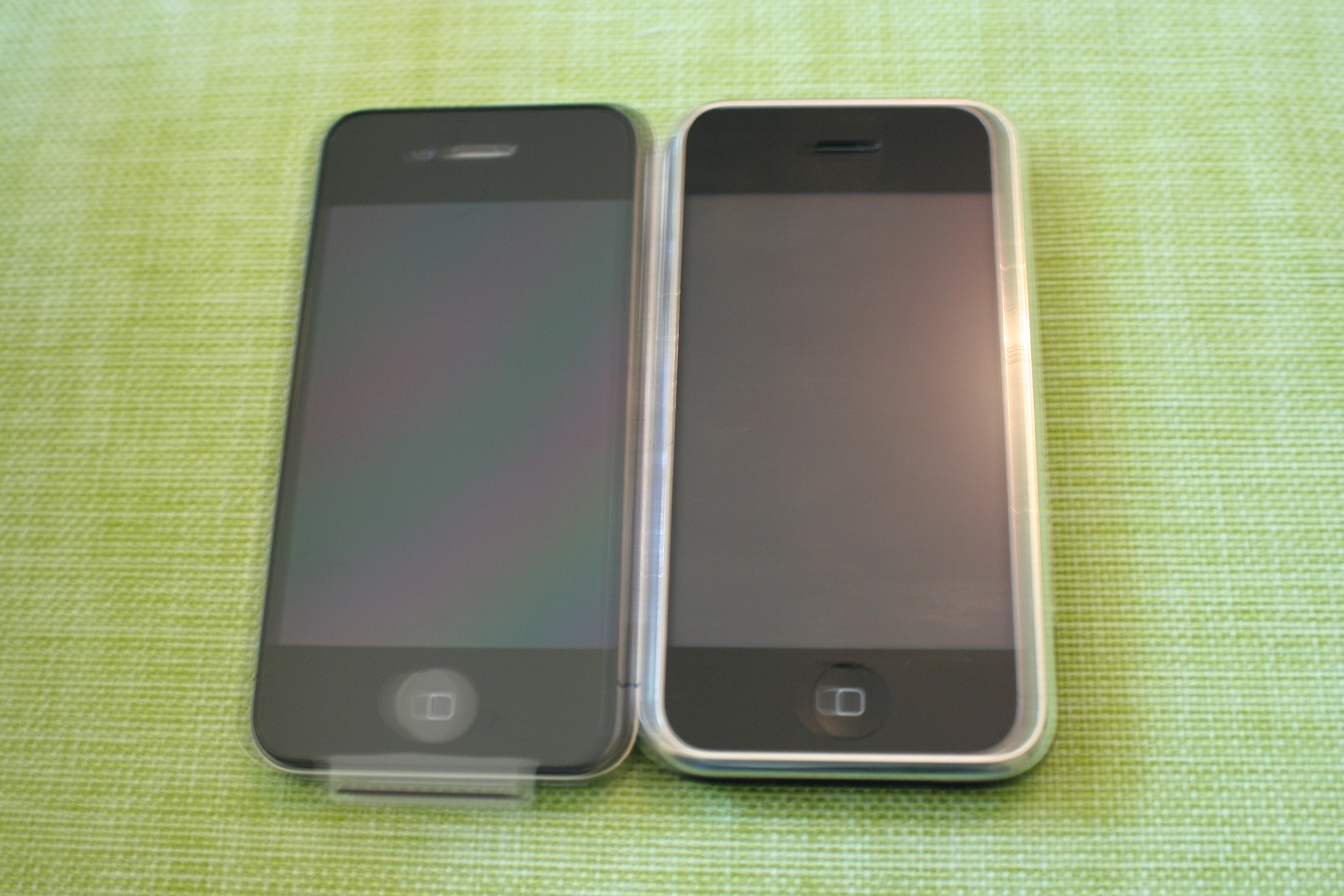
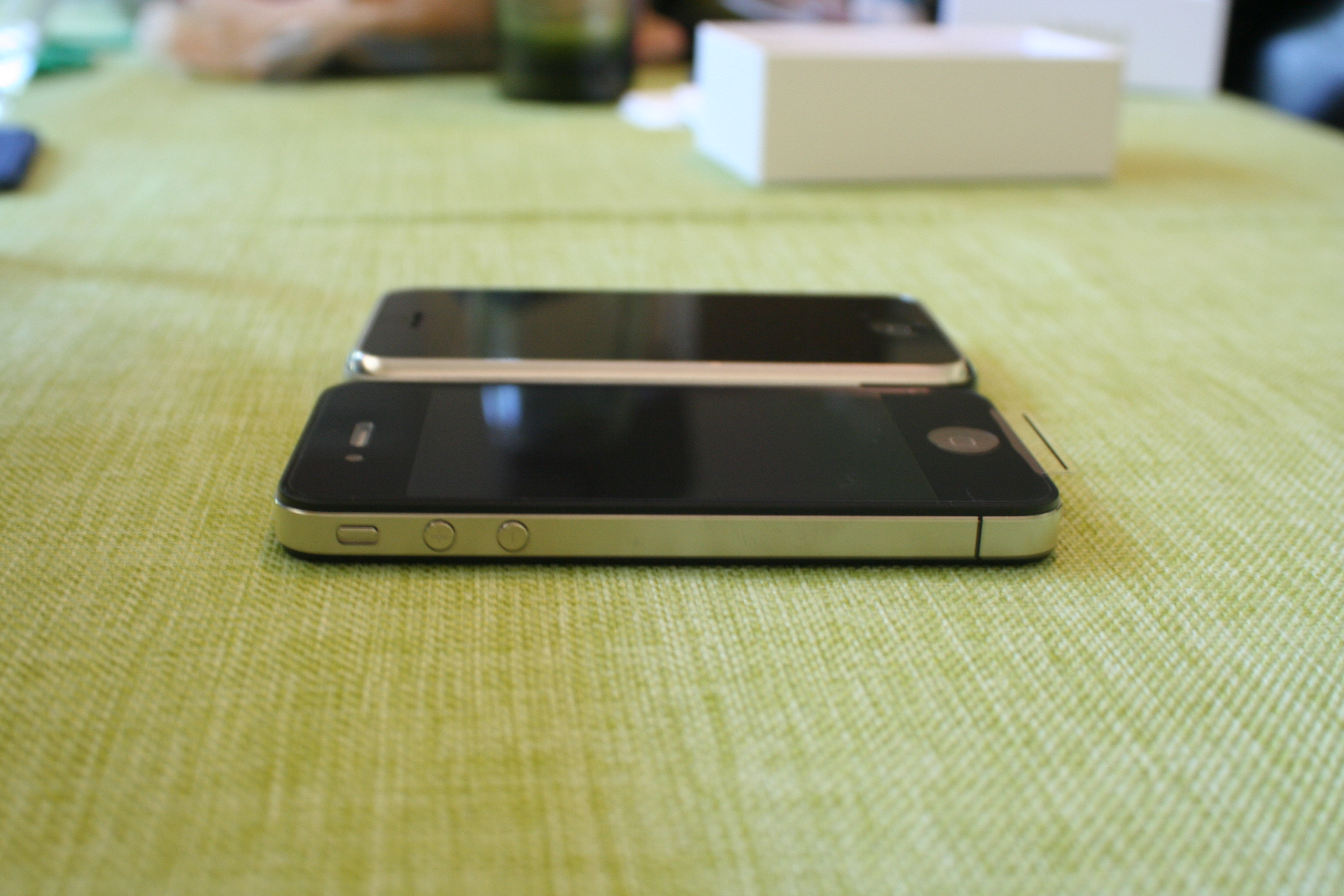
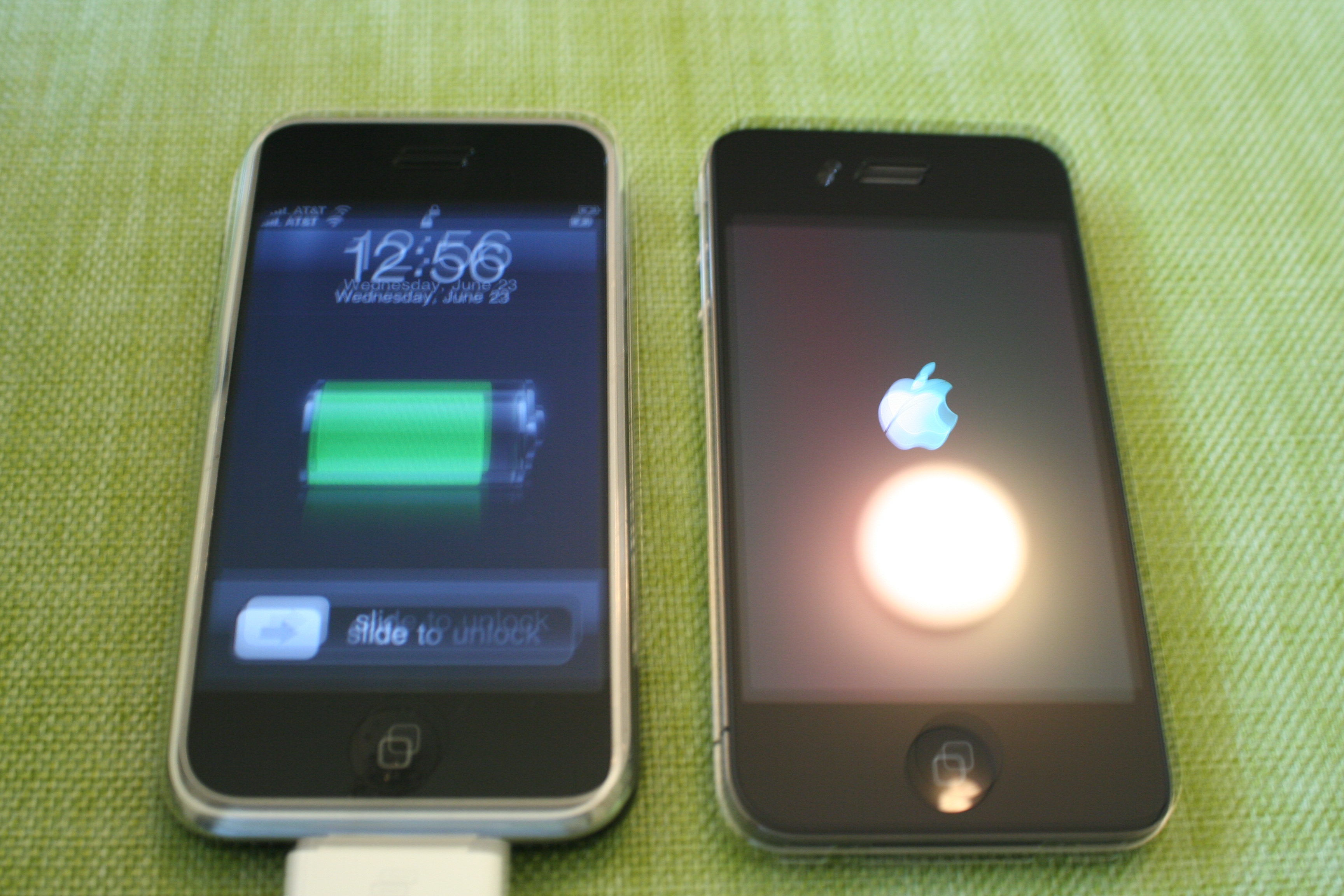
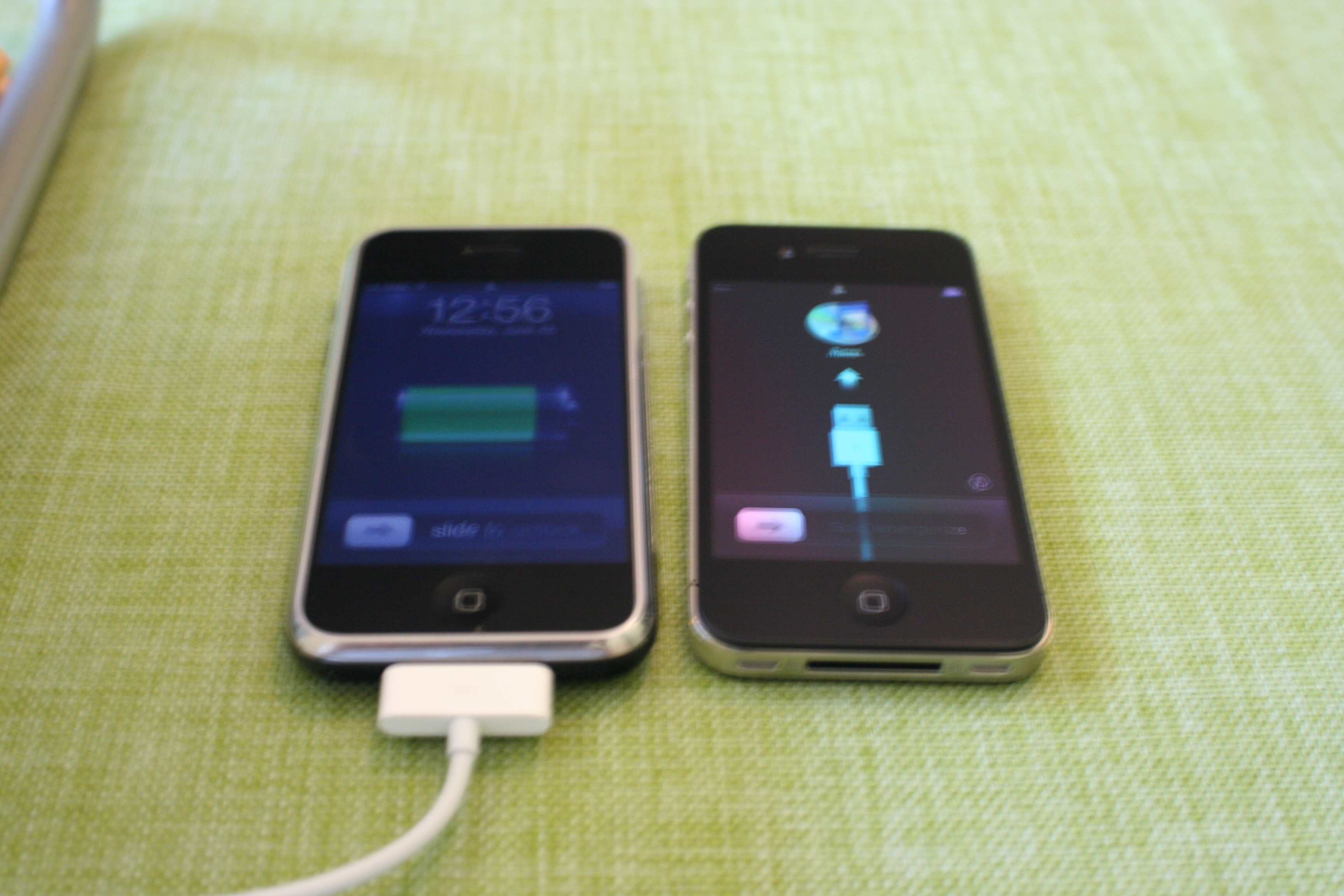
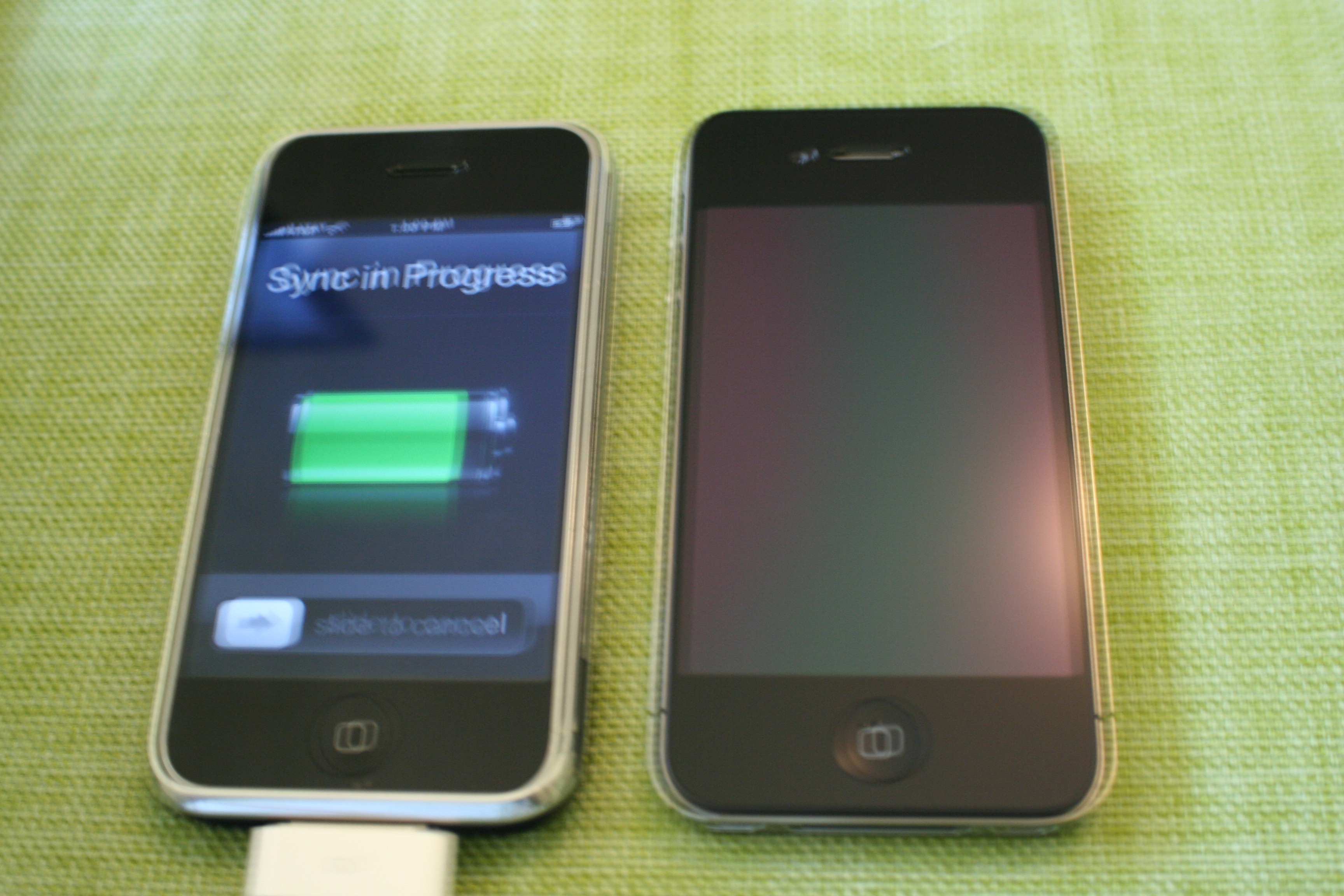
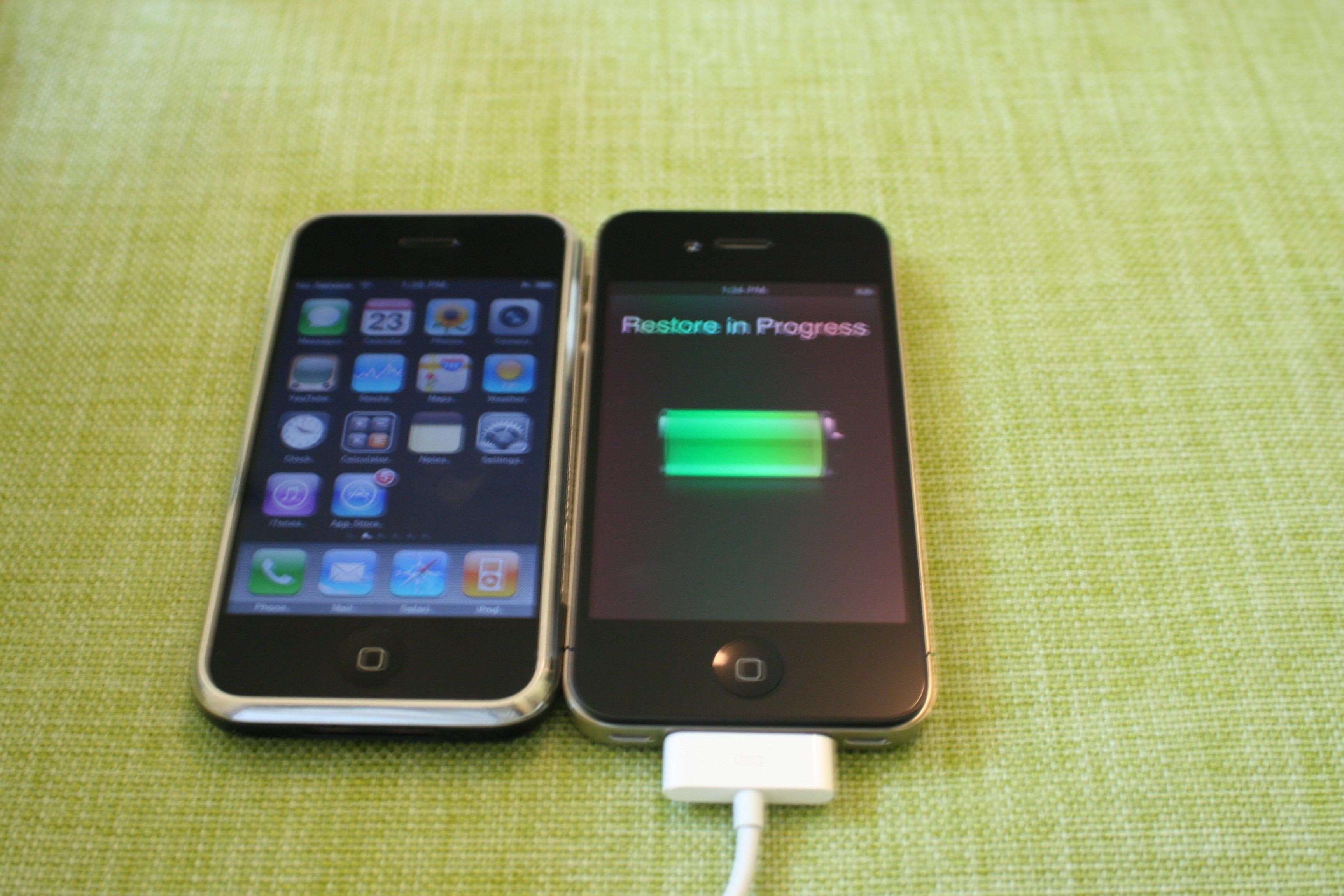
FedEx brought me my Christmas present 6 months and 2 days early, my iPhone4. I know I’m not the only one to put together an article like this, and that some photos are blurry, but hey, I was excited to get my new toy. Clicking a photo will open the original large (~3 MB) photo. Here are my official iPhone4 unboxing photos:

So what do you think? Are you going to buy an iPhone4? Already ordered or reserved one? Already got yours? Let me know in a comment below. Thanks for stopping by.